
Best Free Online Birthday Calculator | Age Calculator
Use an age calculator and Birthday calculator to get exact ages for forms, school cutoffs, plans, and leap-year dates, with fewer entry mistakes.
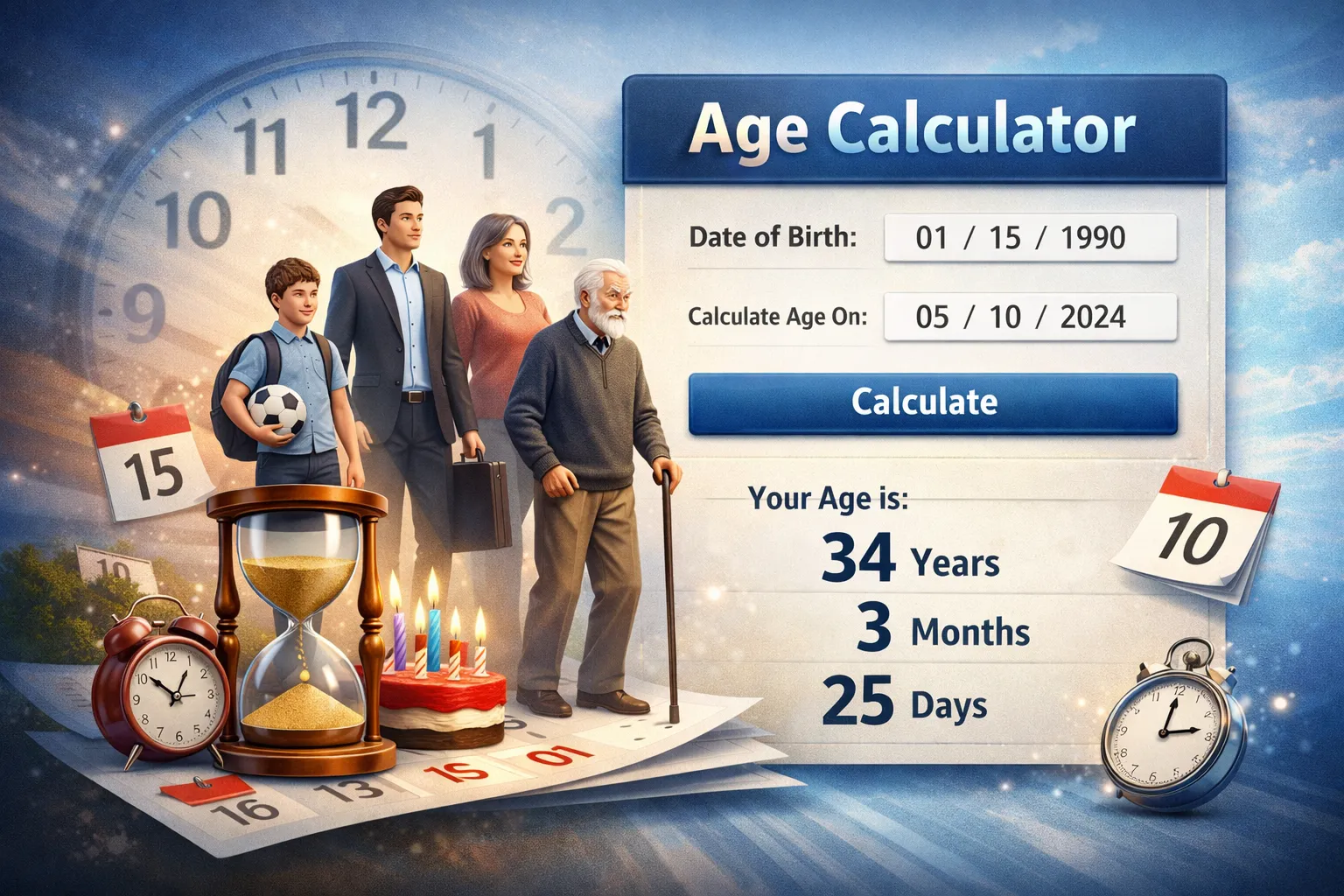
Age Calculator (and Birthday Calculator): Get the Right Age for Forms, Plans, and Cutoffs
Ever typed your birth date into a form and paused, wondering if you’re entering it the right way, or if your age needs to be exact down to the day? An age calculator solves that problem by turning two dates into a clear result, usually your age today or your age on a specific date.
A Birthday calculator is closely related, it often focuses on birthday timing, like how long until your next birthday, or what day of the week it falls on.
People use these tools for everyday needs like school enrollment, job paperwork, benefits, travel documents, and medical records. They’re also handy for personal planning, tracking health milestones, and setting goals tied to specific ages. This guide explains what these calculators can measure beyond “years old,” how the math works in plain terms, and the common date-entry mistakes that can quietly throw the result off.
What an age calculator does, and when it’s useful
At its core, an age calculator compares your date of birth to a reference date (often today) and reports the time between them. That sounds simple, but real calendars add speed bumps: months have different lengths, leap years add an extra day, and official rules often care about “completed age” on a cutoff date.
A birthday calculator overlaps with an age calculator, but it usually highlights birthday-focused results such as the countdown to your next birthday, your upcoming age on that date, and sometimes the weekday your birthday lands on this year.
The practical value is confidence. Instead of guessing, rounding, or doing mental math that breaks when you cross a month boundary, you get an exact answer you can use for paperwork and planning. If you want to see what a full result can look like (years, months, days, and more), try an online birthday age calculator and compare it to what you’d estimate in your head. The difference is often small, until it’s not, and that’s when it matters.
Common reasons people use an age calculator
Here are real situations where the exact result saves time (and sometimes prevents a rejected form):
- Job applications: Some roles have minimum age rules, and HR may verify your age on a start date.
- School cutoffs: Enrollment can depend on age on the first day of school, not today.
- Sports leagues: Youth divisions often use a strict cutoff date for the season.
- Insurance: A policy may rate you by age at purchase, renewal, or effective date.
- Retirement planning: You may want to know the exact date you turn 62, 65, or another milestone.
- Medical records: Clinics track age precisely for screenings, dosing ranges, and pediatric growth checks.
- Passport or visa forms: Travel documents often require exact birth dates, and some applications ask your age on a specific day.
- Birthday planning: Countdown to a party date, or check if your birthday falls on a weekend.
Short example of why exact days matter: if a program requires a child to be 5 years old by September 1, a birthday on September 2 can change eligibility, even though it’s only a one-day gap.
What can you calculate besides “years old”
Many people think an age calculator only answers “How old am I?” In practice, the most useful outputs often go further:
- Age in years, months, and days (not rounded)
- Total days lived, plus totals in weeks or hours
- A next birthday countdown (days until your birthday)
- The day of the week you were born
- Age difference between two people (handy for siblings, couples, or coworkers)
Months are the tricky part. A “month” isn’t always 30 days, so a good birthday calculator treats months as calendar months, then fills in the remaining days, instead of guessing with averages.
How an age calculator works (simple math, clear results)
An age calculator needs two things: a birth date and a reference date. Then it answers one question: how much time fits between those two calendar points?
A simple way to picture it is a stack of boxes. The biggest boxes are years, then months, then days. The calculator tries to count full years first. After that, it counts full months from the leftover time. Finally, it counts the remaining days.
This is why “subtract the years and you’re done” can fail. If today is before your birthday this year, you haven’t completed that next year of age yet, even though the year numbers look like they differ by the same amount.
A reliable age calculator also avoids guesswork when dates cross uneven months (like February) or a leap day. Instead of assuming fixed month lengths, it steps through the calendar in order. The result is easier to trust because it matches how birthdays actually work.
The inputs that matter: birth date, reference date, and time zones
Most tools ask for:
- Birth date: day, month, year
- Reference date: usually defaults to today, but you can set any date
If you choose a past reference date, the calculator answers “How old was I on that day?” If you choose a future date, it answers “How old will I be then?” That’s useful for planning retirement, a graduation date, or an eligibility window.
Time zones and the exact time of birth usually don’t matter for normal use. Forms, schools, and benefits almost always rely on calendar dates, not the hour you were born. Time zones can matter if you’re calculating age down to hours or minutes across locations. If you’re doing that kind of precise timing, a time zone tool can help you sanity-check the calendar day, like this time zone calculator.
Leap years and tricky birthdays (Feb 29)
Leap years add one extra day to the calendar, February 29, roughly every four years (with a few century exceptions). For most people, this changes nothing. For someone born on Feb 29, it raises one common question: when do you “have” your birthday in non-leap years?
Different systems handle it differently. Some treat Feb 28 as the birthday for age rules, others use Mar 1. Schools, benefits programs, and software may not match each other, so the safest move is simple: match the rule used on the form, policy, or eligibility document you’re dealing with.
How to use a birthday calculator accurately, and avoid common mistakes
An age calculator is only as accurate as the dates you enter. Most wrong results don’t come from bad math, they come from small input errors that look harmless at first.
Treat it like measuring ingredients for baking. If you misread the units, the recipe comes out wrong, even if your oven works perfectly.
Quick accuracy checklist before you trust the result
Use this quick checklist:
- Confirm the date format (MM/DD/YYYY vs DD/MM/YYYY).
- Double-check the year, it’s the easiest part to mistype.
- Set the reference date you actually need (today, a start date, a cutoff date).
- Confirm whether the form wants completed age (age as of that day) or “age during the year.”
- If Feb 29 applies, re-check the leap-day rule used by the organization.
One common mix-up: entering 03/07/2010 as March 7 when the form reads it as July 3 (or the other way around). That swap can change the age by months, which can flip eligibility for school, sports, or benefits.
Picking the right age for forms and eligibility rules
Two phrases matter on paperwork:
- Completed age: how old you are on the reference date, after your birthday has occurred.
- Age on a specific date: how old you are on the event date, like the first day of school, a test date, or a policy start date.
Cutoffs can be strict. A one-day difference can change which grade a child enters, which league they play in, or whether an application meets a minimum age rule.
When you calculate, write down the reference date you used (or screenshot the result). That way, if someone asks later, you can show exactly how you got the number.
Conclusion
An age calculator and Birthday calculator turn calendar math into a clear answer you can use for planning and paperwork. The result is only trustworthy when the inputs are right, so check the date format, confirm the reference date, and watch for leap-year edge cases (especially Feb 29 rules). When an eligibility cutoff is involved, calculate the age on the exact date the rule names, not “close enough.” Use an age calculator for quick decisions, then double-check anytime a one-day difference could change the outcome.
Related Articles
Use our free Standard Error Calculator to find SE instantly. Learn the formula, step-by-step method and when to use standard error vs standard deviation.
Discover the best scientific calculator online for fast, accurate math. Solve trigonometry, algebra, calculus & more free, no download needed.
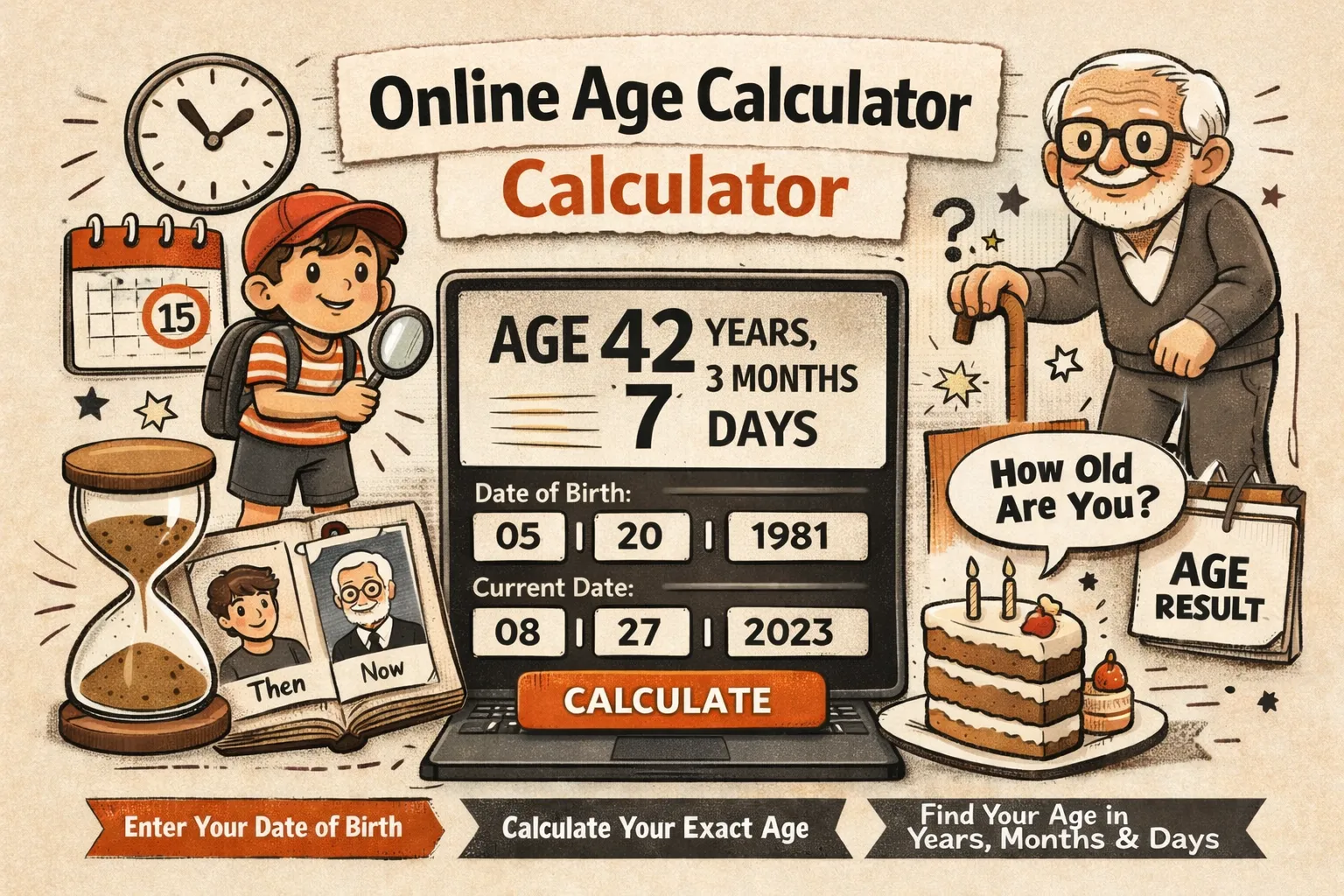
A free online age calculator computes your exact age in years, months and days by subtracting your date of birth from today's date.
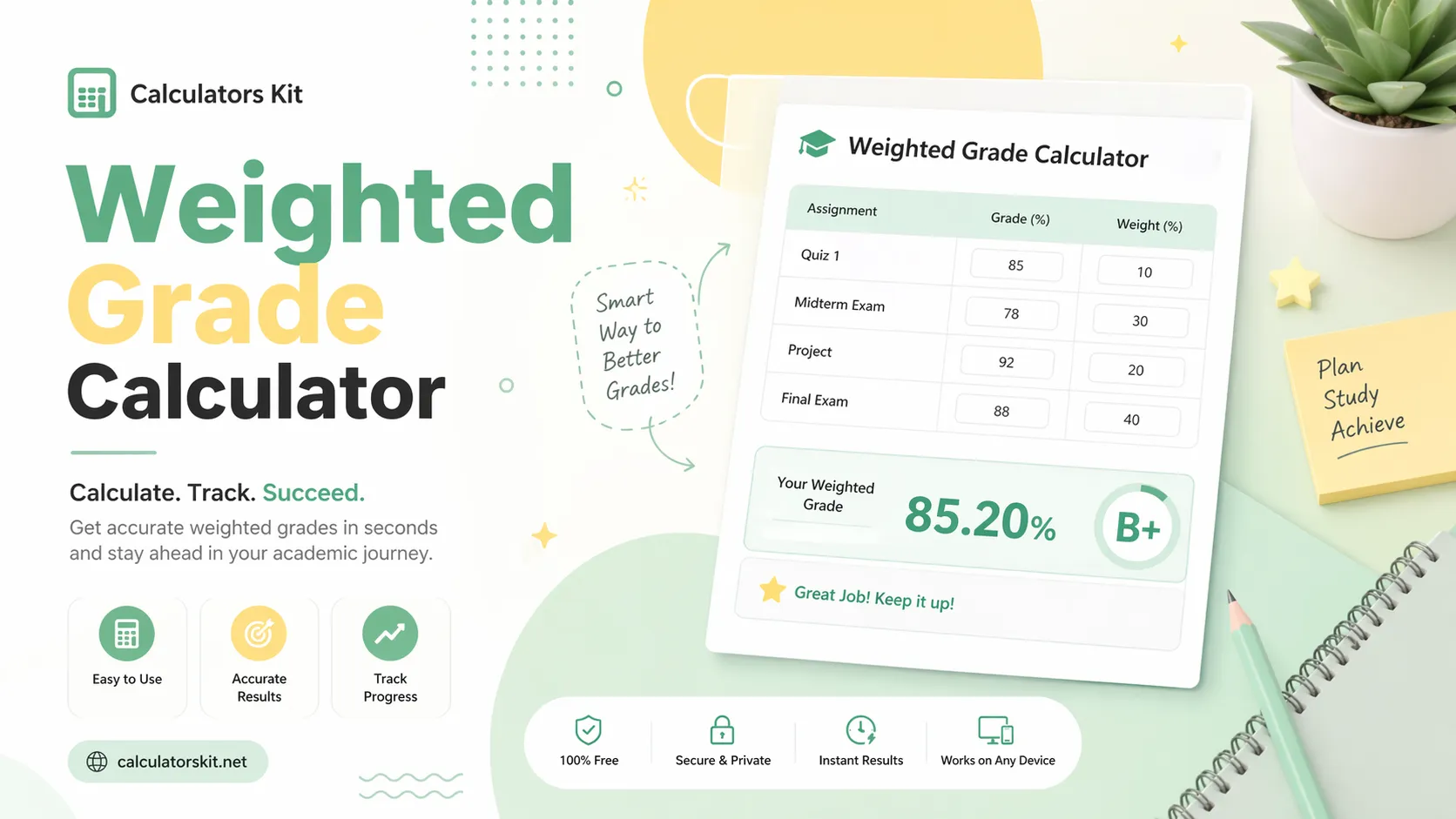
Use our easy weighted grade calculator to find your GPA and final score fast. Enter grades, weights & get instant results free for students.