
Free Algebra Calculator & Math Trainer – Master Math Easily
Need help with algebra? Discover the best free algebra calculator with step-by-step solutions and a math trainer to solve problems faster and learn smarter.
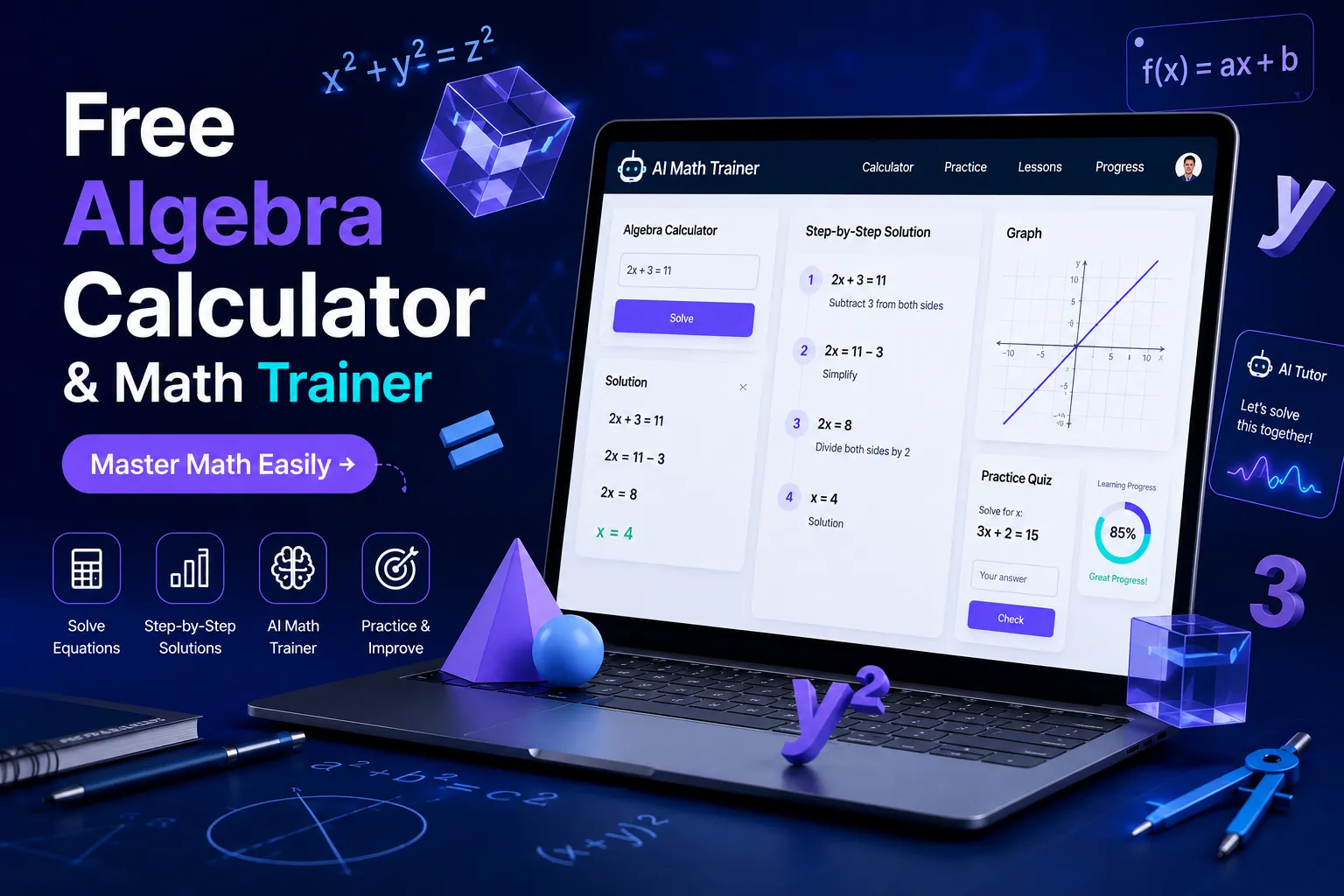
A free algebra calculator solves equations and shows the working steps, but a free algebra calculator that also acts as a math trainer does something more important: it helps you understand why each step happens, so you stop depending on it. That difference is the entire point of this guide. Most tools online just give you an answer. This article explains how to actually use a free algebra calculator and math trainer to get correct answers today and get better at algebra permanently, whether you need it for homework, an Algebra 2 class, or a quick check before a test.
Below, you will find what these tools can and cannot do, how to pick the right type for your situation, a step-by-step framework for using one without hurting your learning, and the mistakes that quietly cost students marks even when the calculator gave the right answer.
What Is a Free Algebra Calculator and Math Trainer?
A free algebra calculator is a tool, usually web- or app-based, that takes an algebraic expression or equation as input and returns the solution. A basic version only gives the final answer. A free algebra calculator with steps goes further, breaking the solution into the individual operations used to reach that answer, such as combining like terms, moving terms across the equals sign, or factoring.
A math trainer adds a third layer on top of that: practice. Instead of only solving what you type in, it generates similar problems, checks your own working, and tracks where you keep making errors. This is the real gap in most free tools available today. Plenty of calculators solve algebra. Very few actually train you to solve it yourself, which is the skill that matters in an exam where no calculator is allowed.
Why 'With Steps' Matters More Than a Final Answer
If you only need a free algebra calculator with steps for a one-off check, a plain answer is fine. But if you are learning, an answer without steps teaches you nothing, and it can actually hide a wrong method that happened to land on a right answer by coincidence on that one problem.
Steps show you the order of operations, which is where most algebra mistakes actually happen, not in the arithmetic itself.
Steps let you catch your own error at the exact point it occurred, instead of just knowing the final number was wrong.
Steps build a repeatable method you can apply to the next problem, which a bare answer never does.
A useful habit: solve the problem yourself first, then use the calculator only to check your steps against its steps, not to get the answer from scratch. This single change in order is what separates a calculator that helps you learn from one that quietly replaces your thinking.
Types of Free Algebra Calculators You Will Find Online
Search results for a free algebra calculator online return a mix of tools that are not actually the same thing. Knowing the category saves you time.
1. Basic Online Algebra Calculators
These handle direct input, such as solving a linear equation or simplifying an expression, and return an answer, sometimes with a partial breakdown. Good for quick checks, not for learning methods.
2. Algebra Calculators With Full Step Solutions
These show the complete working: each transformation of the equation, labeled with what operation was applied. This is the category to use if the goal is understanding, not just an answer, and it is the closest free equivalent to having a tutor walk through a problem with you.
3. Free Algebra Solver Apps
A free algebra solver app usually adds camera input, letting you photograph a handwritten or printed problem instead of typing it. Convenient for homework, but accuracy depends heavily on handwriting clarity and problem formatting, and messy fractions or exponents are where these apps misread input most often.
4. AI-Based Math Calculators
A free math calculator AI tool uses a language model rather than a fixed algebra engine. The advantage is flexibility. It can explain a step in plain language if you ask a follow-up question, the way you would ask a person. The trade-off is that an AI model can occasionally make an arithmetic slip on a long multi-step problem, so always sanity-check the final answer, especially on high-stakes work like an assignment that is graded.
5. Built-In Calculators From Search Engines
Typing a simple equation directly into a search bar (what people usually mean by free algebra calculator Google) often returns an instant, embedded calculator widget for basic problems. This is fast for one-line equations but limited for multi-step algebra, word problems, or anything involving factoring, so treat it as a shortcut for simple checks, not a full solving tool.
What Can a Free Algebra Calculator Actually Solve?
This is where expectations often go wrong. A free algebra calculator is not one tool with one function; different tools are built for different problem types, and knowing this before you search saves real time.
Simplifying expressions: combining like terms and reducing fractions. This is what people mean by free algebra calculator simplify, and it is one of the most reliable functions across almost every tool.
Multiplication and expansion: multiplying binomials, distributing terms, and expanding brackets, which covers most free algebra calculator multiplication searches.
Solving linear and quadratic equations: isolating a variable, using the quadratic formula, or factoring.
Systems of equations: solving for two or more variables using substitution or elimination.
Algebra 2 level topics: logarithms, exponential functions, rational expressions, and complex numbers, which is the specific gap people mean by free calculator algebra 2. Not every free tool covers this level well, so check the tool's scope before relying on it for Algebra 2 homework.
Graphing: plotting a function's shape, useful for confirming an algebraic answer visually.
A free math calculator, as a broader category, usually extends beyond algebra into arithmetic, basic statistics, and unit conversions, while a free algebra solver stays focused specifically on algebraic manipulation. If your work is purely algebra, the narrower tool is often more accurate, because it is not trying to be a general-purpose calculator app.
How to Use a Free Algebra Calculator the Right Way
This is the practical framework that actually improves your algebra instead of just producing answers.
Attempt the problem on paper first, even if you are unsure. This forces you to identify exactly where your understanding breaks down.
Enter the same problem into a free algebra calculator with steps, not a basic answer-only tool.
Compare your working line by line against its steps, not just your final answer against its final answer.
Identify the exact step where your method diverged from the correct one, and name the rule you missed, such as sign flip when moving a term or wrong order of operations.
Redo a similar problem without the calculator to confirm you can now apply that rule independently.
Only after that, use the calculator freely for speed on remaining problems.
This sequence takes a few extra minutes per problem set, but it is the difference between a calculator that quietly weakens your algebra over a semester and one that actively strengthens it.
Free Algebra Calculator vs Math Trainer: What Is the Real Difference?
People often search for a calculator when what they actually need is a trainer, and the two solve different problems.
A calculator answers the specific problem in front of you, right now, and then it is done.
A trainer generates new, similar problems, so you can prove to yourself that you understood the method, not just this one instance of it.
A calculator is reactive; you bring the problem to it. A trainer is proactive; it identifies your weak topic and gives you more of that topic until it improves.
A calculator alone is fine the night before a homework deadline. A trainer is what actually moves your grade before a test, where no calculator will be sitting next to you.
If your goal is passing tomorrow's homework check, a calculator with steps is enough. If your goal is doing well on the next exam, you need the trainer function, and treating a plain calculator as a substitute for practice is one of the most common reasons students plateau in Algebra 2.
Common Mistakes Students Make With Algebra Calculators
Typing the problem in wrong. A single misplaced parenthesis around a fraction or exponent changes the entire answer, and the calculator has no way to know you meant something else.
Copying the final answer without reading the steps, then being unable to solve the same problem type on a test without the tool.
Trusting an AI-based tool on a long multi-step problem without checking the arithmetic, since even strong models can slip on step six of a ten-step algebra chain.
Using a general free math calculator for Algebra 2 topics like logarithms or rational expressions when it was really built for basic arithmetic, and getting an incomplete or oversimplified result.
Relying entirely on camera-based apps for messy handwritten work, then not double-checking that the app actually read the equation correctly before trusting the output.
Choosing the Right Free Algebra Tool: A Quick Checklist
Run through these questions before settling on a tool, instead of just using whichever one appears first in search results.
Do I need an answer only, or do I need to learn the method? If it is the second one, only consider tools offering full steps.
What level is this problem? Basic simplifying and multiplication work almost everywhere; Algebra 2 topics need a tool that explicitly supports logarithms, exponents, and rational expressions.
Is my input typed or handwritten? Handwritten problems need a solver app with reliable image recognition, not a text-only calculator.
Do I want follow-up explanations? An AI-based calculator can answer a clarifying question the way a tutor would; a fixed-engine calculator cannot.
Am I preparing for a no-calculator exam? If so, shift from using the tool as an answer source to using it as a trainer, with the framework above, well before the test date.
Real-World Scenarios
Homework due in an hour
Use a free algebra calculator with steps to move fast, but still read the steps for at least the problems you got wrong. Skipping this costs you nothing tonight and costs you marks on the next quiz.
Struggling with a specific Algebra 2 unit
Do not switch calculators randomly. Pick one that explicitly lists coverage for that topic, work through five to ten problems using the six-step framework above, and only then move to timed practice without the tool.
Preparing for a no-calculator exam
Stop using the calculator as an answer source two weeks out. Use it only to generate or check practice problems, with the math trainer approach, so your hands relearn the method under real exam conditions.
Conclusion
A free algebra calculator is genuinely useful, but only if you use it as a step-checking and training tool rather than an answer machine. Attempt the problem yourself, compare your steps against the calculator's steps, isolate exactly where you went wrong, and then retest yourself without the tool. Do that consistently, and the calculator stops being a crutch and becomes what it should be: a fast, free way to build real algebra skill instead of just finishing tonight's homework.
Frequently Asked Questions
Q: Is a free algebra calculator with steps actually accurate?
Generally yes for standard algebra, though accuracy drops on unusual notation or very long expressions. Always verify a critical answer, especially one that will be graded, by re-checking at least one step manually.
Q: Can a free algebra calculator app replace a tutor?
It can replace a tutor for quick checks and step explanations, but it cannot replace the practice and feedback loop a tutor provides, which is exactly what a math trainer function is built to substitute for.
Q: What is the difference between a free math calculator and a free algebra solver?
A math calculator usually covers broad topics including arithmetic and statistics. An algebra solver focuses specifically on algebraic manipulation and tends to be more accurate on algebra-specific problems as a result.
Q: Are free math calculator AI tools reliable for Algebra 2?
They are reliable for explaining concepts and handling most Algebra 2 topics, but double-check multi-step logarithmic or rational expression problems, since long chains of steps are where AI-based tools are most likely to slip.
Related Articles
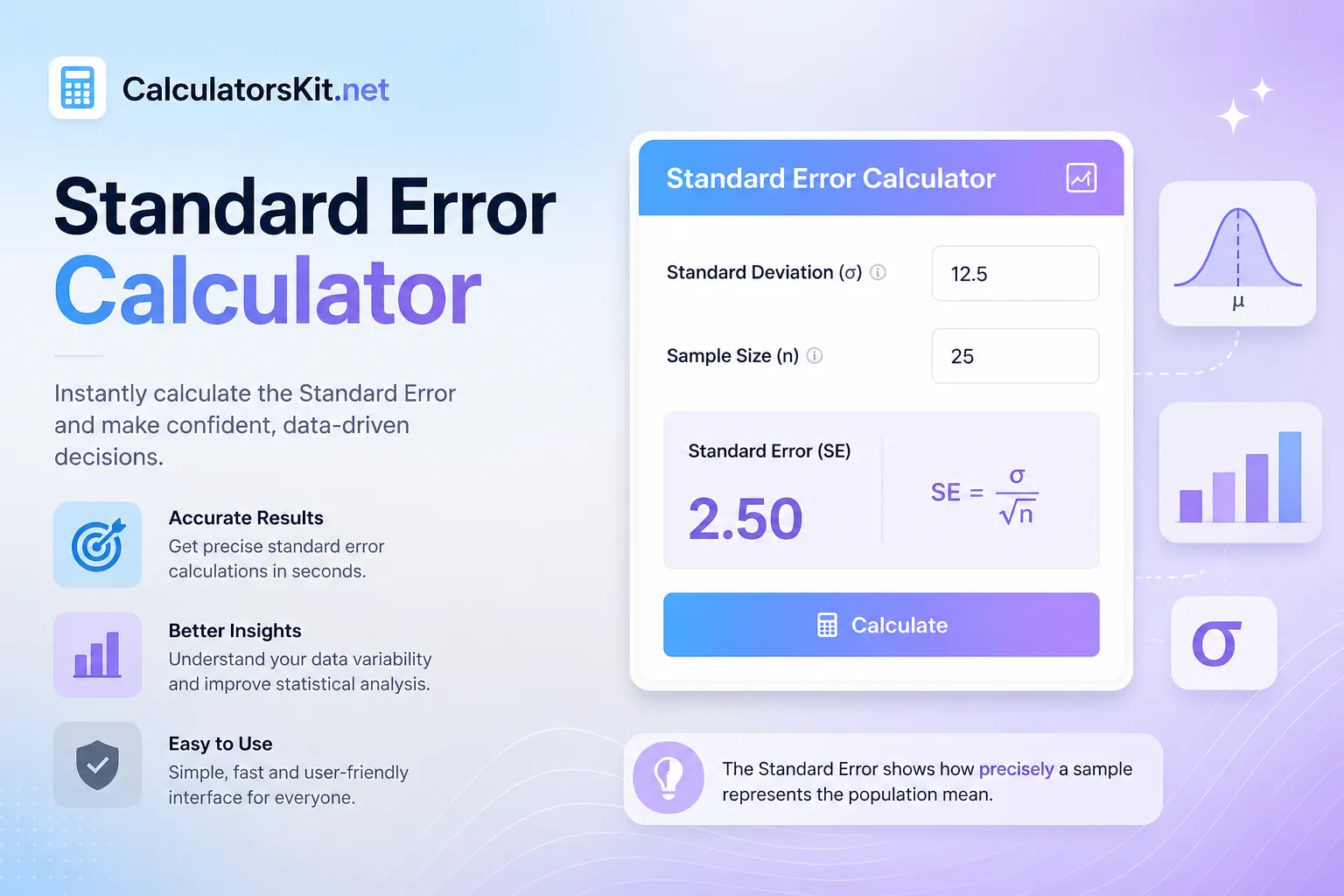
Use our free Standard Error Calculator to find SE instantly. Learn the formula, step-by-step method and when to use standard error vs standard deviation.
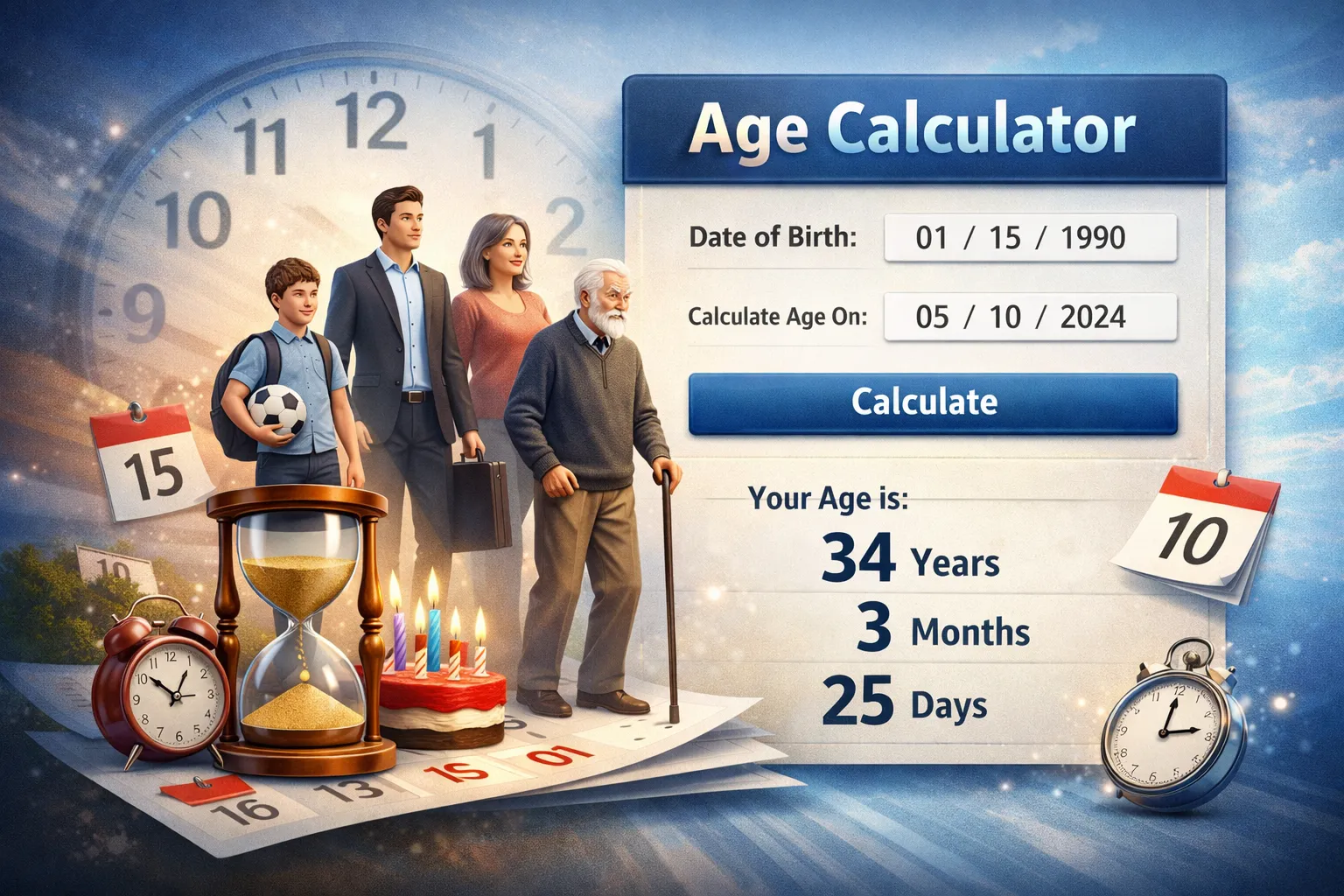
Use an age calculator and Birthday calculator to get exact ages for forms, school cutoffs, plans, and leap-year dates, with fewer entry mistakes.

Calculate work hours, lunch breaks, overtime, and pay instantly with our free Time Card Calculator. Fast, accurate, and perfect for employees & payroll.
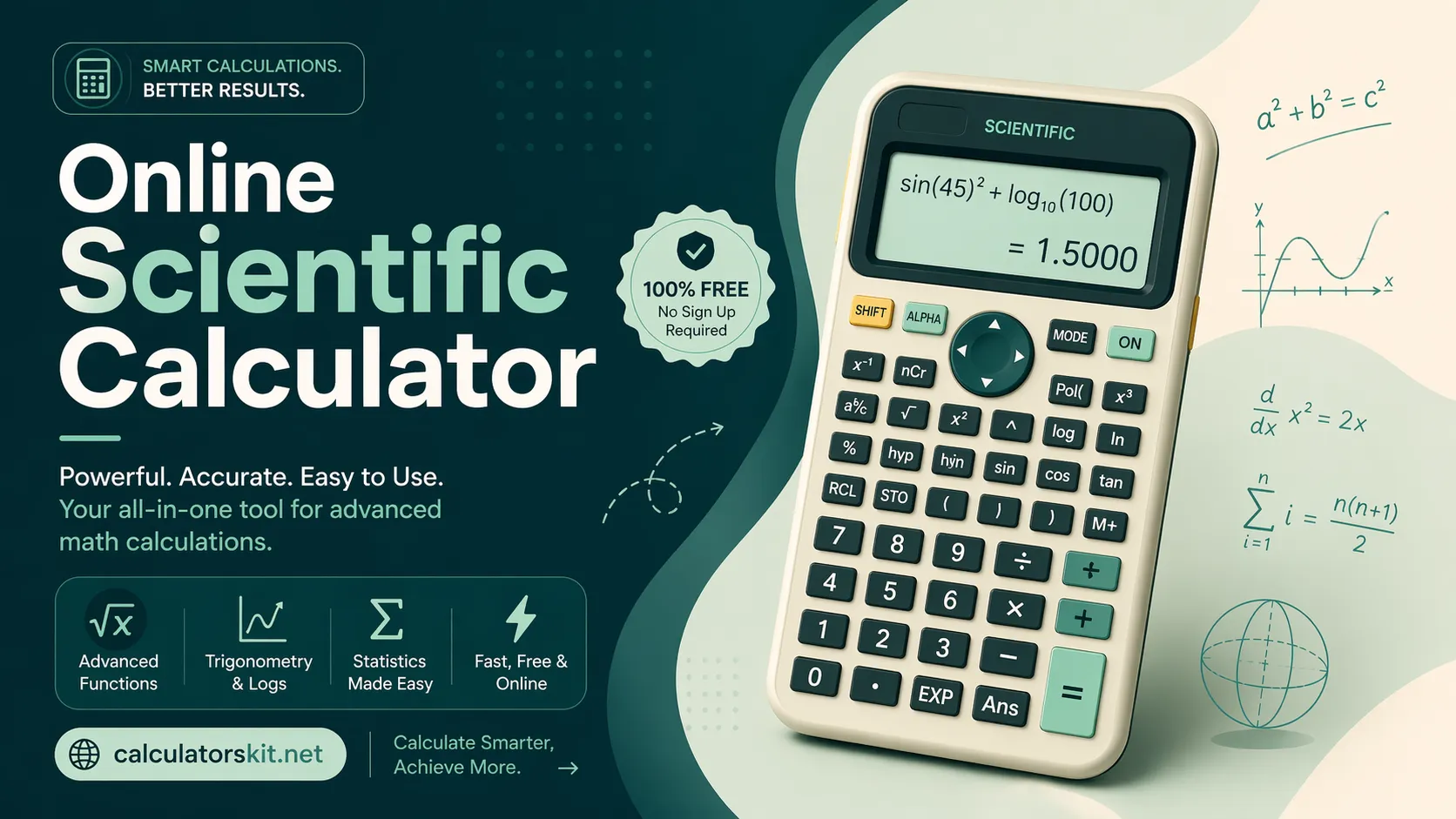
Discover the best scientific calculator online for fast, accurate math. Solve trigonometry, algebra, calculus & more free, no download needed.