
Best Scientific Calculator Online Fast & Accurate Math
Discover the best scientific calculator online for fast, accurate math. Solve trigonometry, algebra, calculus & more free, no download needed.
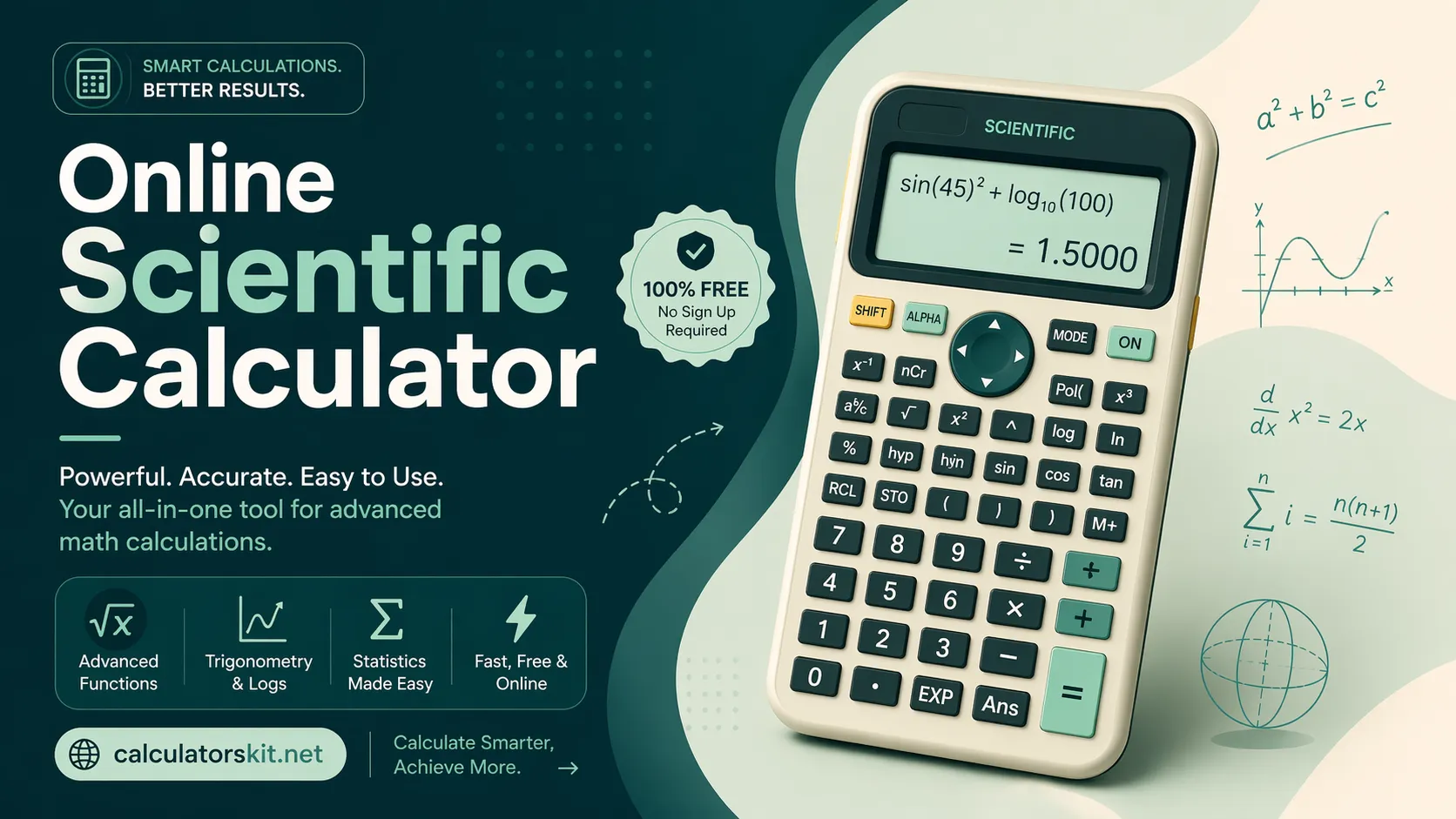
The best scientific calculator online is a browser-based math solver that handles trigonometry, logarithms, exponents, and calculus without any download. Top tools are free, mobile-friendly, and provide step-by-step solutions making them faster and more accessible than physical calculators for students, engineers, and professionals.
What Is an Online Scientific Calculator?
An online scientific calculator is a web-based computation tool that replicates and often surpasses the functionality of a physical scientific calculator. Unlike basic four-function calculators, a scientific calculator processes advanced mathematical functions including trigonometric operations (sin, cos, tan), logarithms (log, ln), exponential notation, factorials, square roots, and parenthetical expressions.
The term "best scientific calculator online" refers to tools that combine this mathematical depth with a fast, accurate, and intuitive interface accessible from any device with a browser. Leading examples include Desmos Scientific Calculator, WolframAlpha, and Mathway.
Why Use an Online Scientific Calculator Instead of a Physical One?
Physical calculators wear out, get left behind, and cost money. An online scientific calculator is always available on a laptop, phone, or tablet at zero cost. Here are the primary advantages:
- Accessibility: No purchase, no battery, no device limit. Open a browser and calculate instantly.
- Step-by-step solutions: Many online math solvers show working essential for learning, not just getting answers.
- Higher accuracy: Browser-based engines handle floating-point precision more reliably than entry-level physical calculators.
- Advanced modes: Graph plotting, matrix operations, and unit conversion are common additions unavailable on standard scientific calculators.
- Exam-style practice: Several tools mimic the layout of the TI-84 or Casio fx series, helping students practice under familiar conditions.
Key Features to Look For in the Best Scientific Calculator Online
Not every online scientific calculator is equally capable. When evaluating a fast and accurate math solver, prioritize these features:
- Full operator support: Must include trig functions, inverse trig, log, ln, exponents, roots, and constants (π, e).
- Expression display: Real-time display of the full typed expression, not just a running total.
- Angle mode toggle: Switch between degrees and radians without resetting the session.
- Memory functions: Store, recall, and clear saved values (M+, MR, MC).
- Mobile responsiveness: Buttons must be tappable on a 375px phone screen without zooming.
- Keyboard input: Desktop users benefit from entering expressions via keyboard rather than clicking buttons.
- Error messages: Clear error feedback (e.g., "domain error" for log of a negative number) prevents silent wrong answers.
How to Solve Complex Math Problems Using an Online Calculator
Using a scientific calculator online is straightforward once the user understands expression order. Follow this process for accurate results every time:
- Open the calculator in any modern browser no login or download required on reputable platforms.
- Select the correct mode degrees vs. radians for trigonometry, or scientific notation for very large/small values.
- Enter the full expression before pressing equals. For example: sin(30) + log(100) should be typed in full, not step by step.
- Use parentheses deliberately. The expression 2 + 3 × 4 returns 14, not 20. Parentheses control order of operations explicitly.
- Verify the output using an alternative input method for instance, entering the same expression via keyboard and button both.
- Check the step breakdown (if available) to confirm the calculator interpreted the expression as intended.
Real-World Use Cases by Audience
Students (High School & College)
Students use online scientific calculators most heavily for algebra calculator, pre-calculus, statistics, and physics coursework. The best tools for students show working, not just the answer so the student understands the method. Platforms like Mathway and Symbolab excel in this context.
Engineers & STEM Professionals
Engineers require precise computation for load calculations, signal processing, and conversion formulas. A fast and accurate math solver that supports complex number arithmetic and scientific notation is essential. WolframAlpha handles these requirements with computational depth few competitors match.
Teachers & Tutors
Educators use online scientific calculators during digital lessons to demonstrate solutions on a projected screen. A large-display, full-expression calculator reduces cognitive load during instruction and makes it easier for students to follow along.
Everyday Users
For personal finance modeling, cooking conversions, or home renovation measurements involving geometric formulas, a browser-based scientific calculator is faster than opening a dedicated app.
Conclusion
The best scientific calculator online is not a single tool, it depends on the user's goal. Students benefit most from step-by-step solvers that teach the method. Engineers and professionals need depth, precision, and support for advanced notation. Casual users simply want speed and reliability.
What all quality tools share is this: instant access, accurate computation, and an interface that gets out of the way so the math can speak for itself. Start with Desmos for everyday use, Mathway or Symbolab when you need guided solutions, and WolframAlpha when the problem goes beyond a standard curriculum.
FAQs:
What is the best free scientific calculator online?
Desmos Scientific Calculator is widely regarded as the best free option for students due to its clean interface, full function set, and zero-cost access. WolframAlpha is the best choice for professionals who need computation with written explanations.
Can I use an online scientific calculator for exams?
Most standardized exams — including the SAT, ACT, and AP exams prohibit internet access during testing, making online calculators ineligible. However, many online tools replicate exam-approved calculator layouts (like the TI-84) for practice sessions before the exam.
How accurate is an online scientific calculator compared to a physical one?
Browser-based calculators running on modern JavaScript math engines typically match or exceed the precision of consumer-grade physical scientific calculators. Both operate to approximately 15 significant digits sufficient for virtually all academic and professional tasks.
Does an online scientific calculator work without the internet?
Several calculators including Desmos function offline once the page has loaded, thanks to progressive web app (PWA) technology. Connectivity is only needed to initially load the tool. Once open, calculations run entirely in the browser without server requests.
Which online scientific calculator shows step-by-step solutions?
Mathway, Symbolab, and Microsoft Math Solver all provide detailed step-by-step breakdowns. Mathway supports 20+ subject areas including pre-algebra, calculus, and statistics. Symbolab is particularly popular for calculus because the solution steps are presented at textbook quality.
Is a scientific calculator online safe for kids and students?
Yes. Reputable platforms like Desmos and GeoGebra are designed with educational audiences in mind, contain no advertising targeting minors, and require no account creation. Always use tools provided or recommended by a school or trusted educational body.
Related Articles

Use an age calculator and Birthday calculator to get exact ages for forms, school cutoffs, plans, and leap-year dates, with fewer entry mistakes.
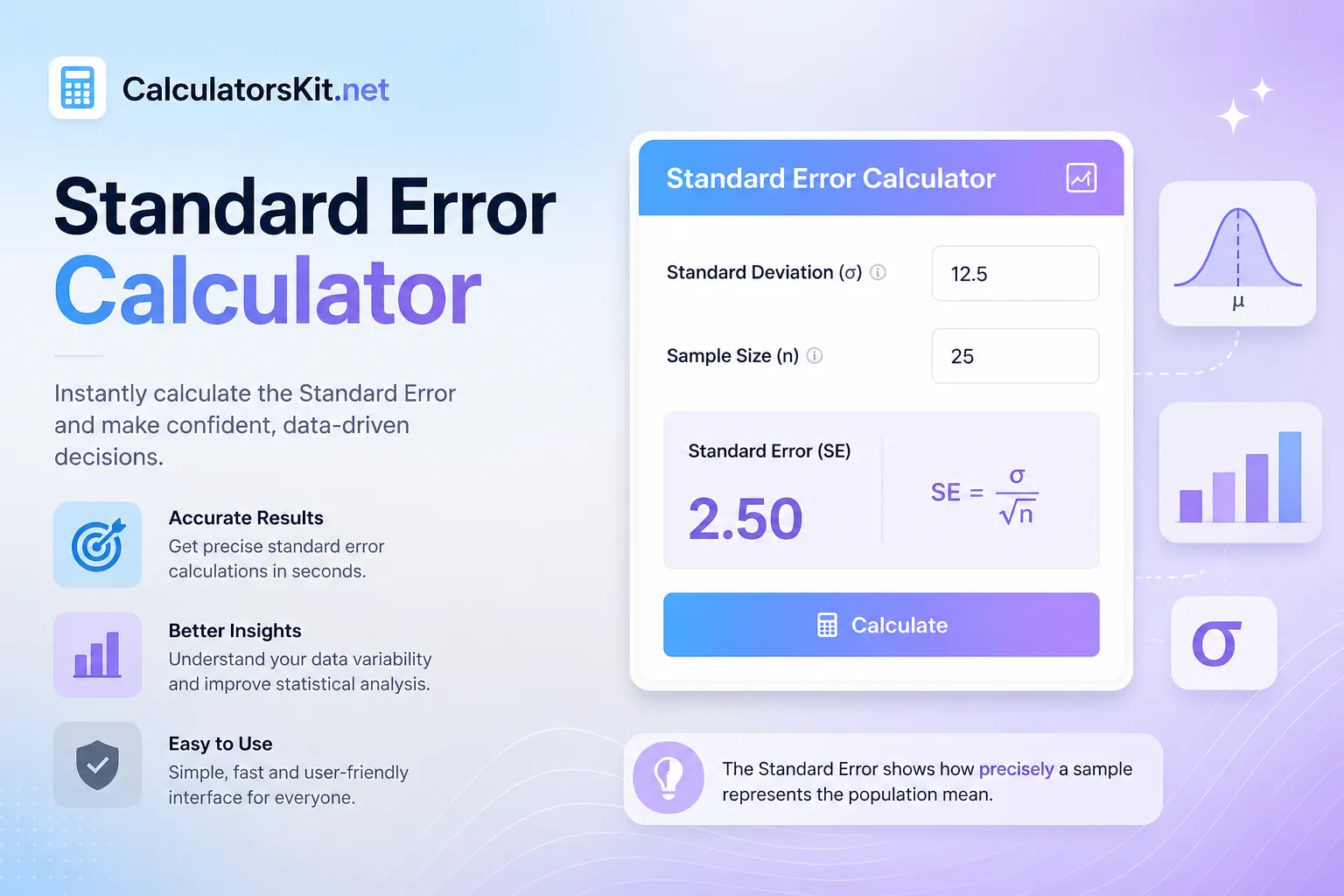
Use our free Standard Error Calculator to find SE instantly. Learn the formula, step-by-step method and when to use standard error vs standard deviation.
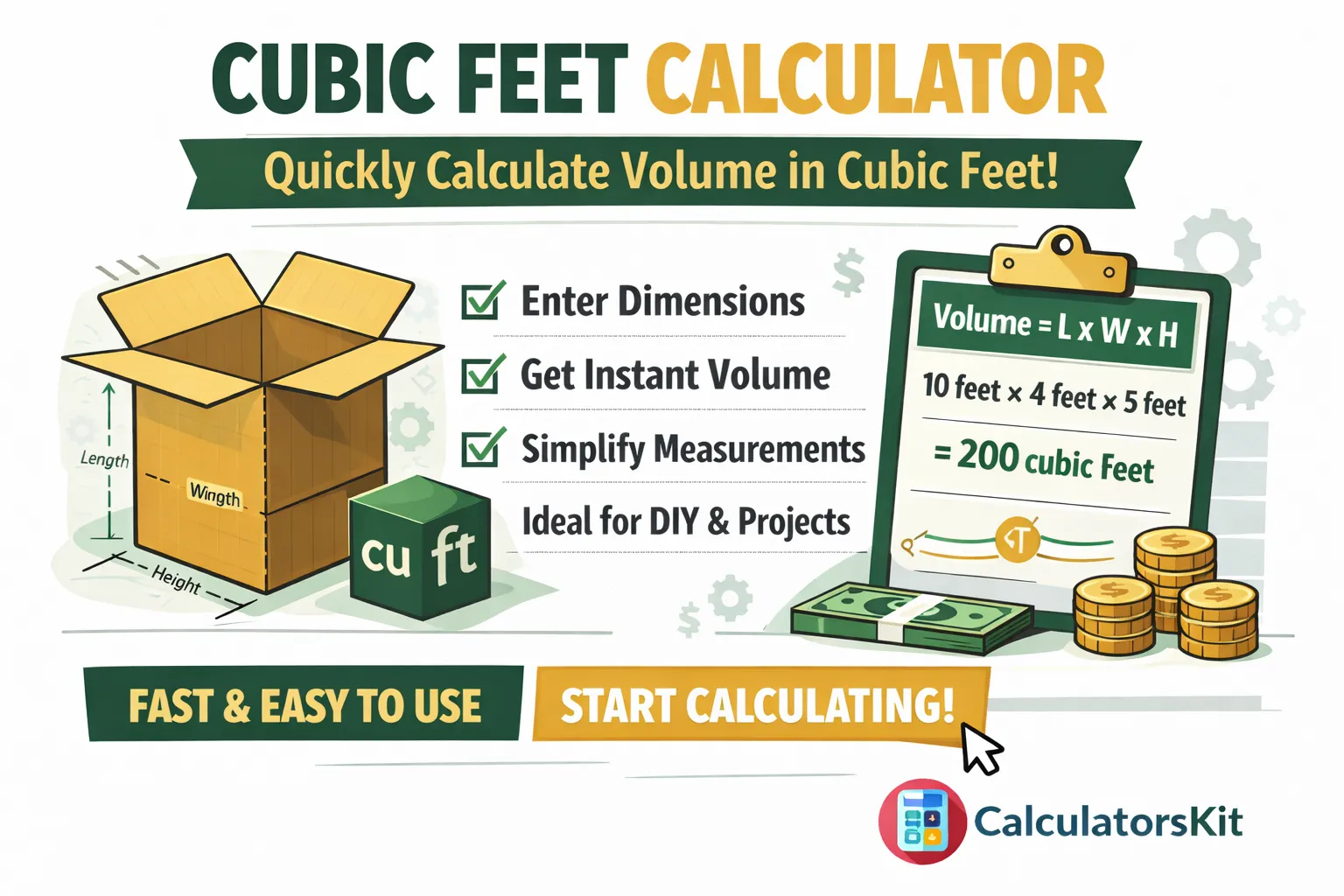
Calculate cubic feet instantly with our free volume calculator. Enter length, width and height to get accurate cubic footage for any project.
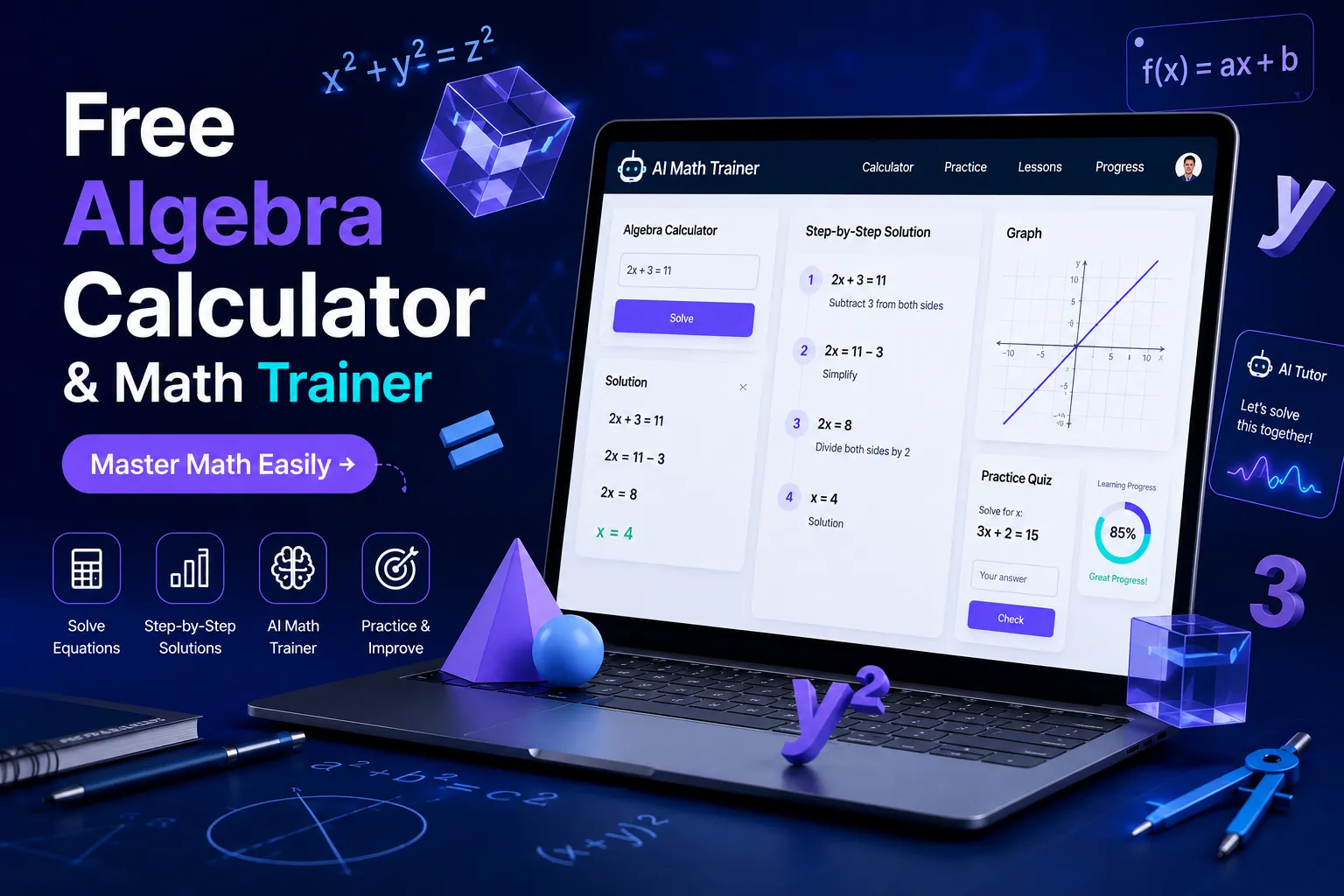
Need help with algebra? Discover the best free algebra calculator with step-by-step solutions and a math trainer to solve problems faster and learn smarter.